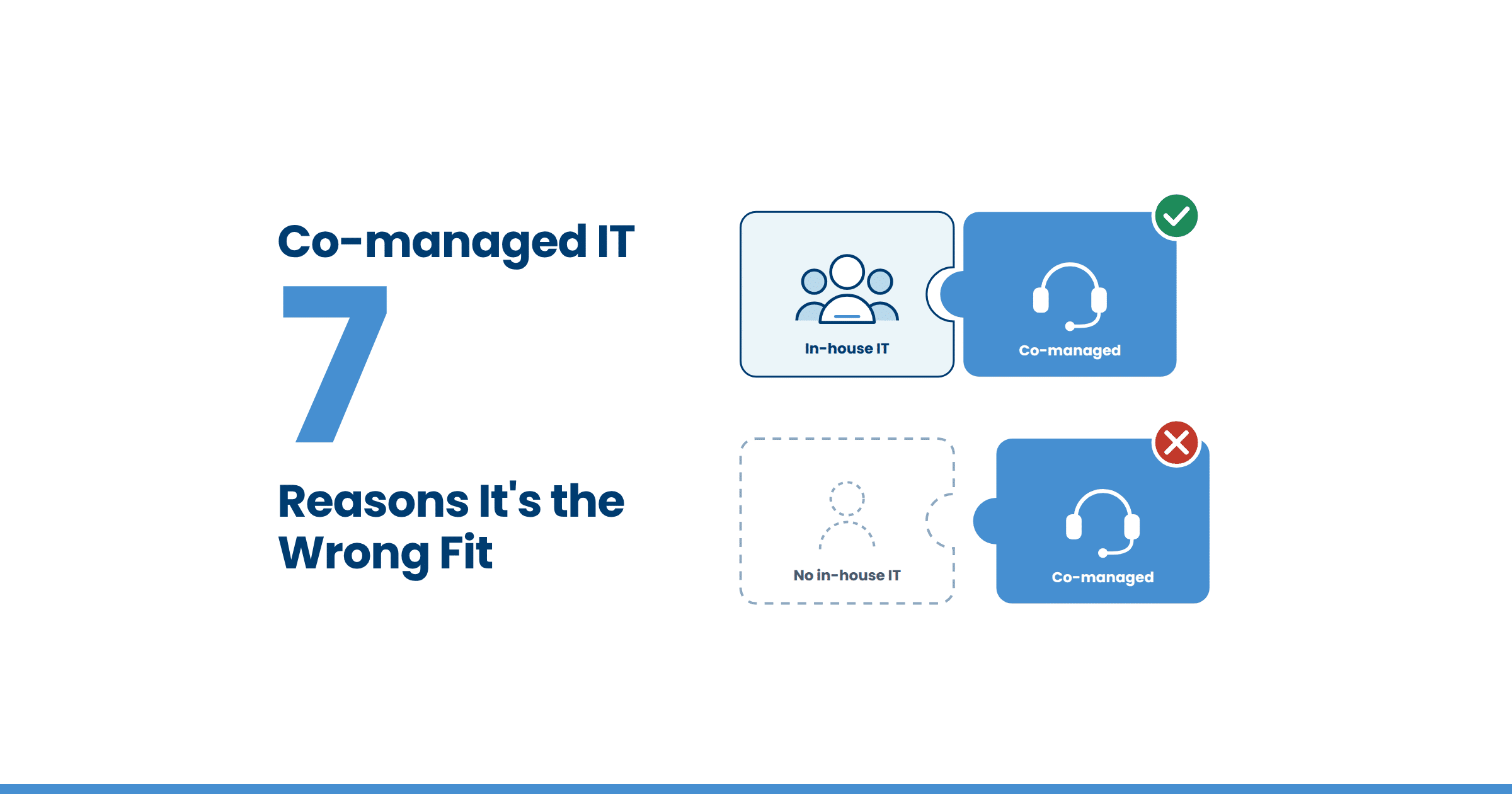

As a long-time co-managed IT service provider, we are often asked, “How are the services provided?” Co-managed IT services are a collaborative partnership where a managed IT services provider (MSP) works with an organization’s in-house IT staff. The MSP shares operational responsibilities, provides tools, and fills specific skill or coverage gaps while you retain strategic control and institutional knowledge.
So, an IT provider can absorb the tickets, monitoring, and after-hours coverage that stretch your staff thin.
This article breaks down what that division of labor looks like in practice: who picks up a ticket, how escalation works, and what changes once both teams work from the same system.
If you’ve wondered whether a provider will step on your team’s territory, the mechanics below answer that directly.
Key Takeaways
- Co-managed IT support can divide ticket ownership by tier.
- A service level agreement assigns ownership before support begins, which prevents the issue of “who owns this?”
- Structured onboarding maps your existing tools and priorities before any support responsibilities change hands.
- Shared ticketing and monitoring platforms give your team and your provider the same visibility.
Table of Contents
Is Your In-house IT Team Overwhelmed? Here’s How Co-managed IT Can Help
Small businesses manage technology in different ways. Some lean on a tech-savvy employee, others hire a dedicated IT manager. Occasionally, they employ a small internal team. Whatever your setup looks like, you need a solid IT strategy.
However, when your team is stretched thin or missing specific expertise, it’s difficult to execute a strong strategy. Co-managed IT services add scalable support without replacing your team.
Our article, 6 benefits of co-managed IT services, walks through what this type of support gives you beyond extra technicians.
Peruse our on-demand IT video collection for more expert insights, tips and strategies.
Myths About Co-managed IT Services
A few myths keep circulating among SMBs weighing this model. The most persistent one: co-managed IT is just a smaller, cheaper version of hiring full-time staff for every specialty.
But the truth is that hiring full-time IT professionals is expensive, especially when budgets are already tight.
You can explore the common myths about co-managed IT services in more depth, but the TLDR version is that you keep full authority over what gets delegated, and your IT provider will fill the gaps.
Don’t let misconceptions hold you back. It may be the perfect solution for your current challenge(s).

How Co-managed IT Support is Delivered
How your support looks depends on you and the needs of your current IT team. A trustworthy IT provider will work closely with you to understand your challenges. By doing this, they can create and offer a tailored solution that aligns with your goals.
You define how your co-managed IT service works. Your approach gets documented in a service level agreement (SLA) to ensure everyone understands and upholds their responsibilities.
There are a few common approaches to co-managed IT:
- Your team drives the long-term business strategy.
- Your team manages the day-to-day tactical operations.
- Or a custom-fit approach to meet your nuanced needs.
Every business will choose a route that best suits them. So, it’s essential to understand you and your team’s strengths and weaknesses.
Pro tip: Be wary of any IT provider that tries to convince you to choose an option you do not stand behind. If you cannot agree on the terms while discussing services, you should interview other providers.

Choosing the right co-managed IT partner is crucial to the success and security of your business. Don’t let common red flags go unnoticed!
How Does a Co-managed IT Ticket Get Handled from Start to Finish?
A co-managed IT ticket starts the same way regardless of who submits it. It lands in a shared ticketing platform, gets tagged by priority and category, and routes to whichever team owns that task under the SLA.
Oftentimes, Tier 1 issues go to the provider’s help desk first; tier 2 and strategic decisions stay with the internal team unless the SLA states otherwise.
Tier 1
Password resets, connectivity issues, and routine user requests.
Tier 2
System-level troubleshooting, application issues, and anything requiring deeper technical context.
Escalation triggers
A ticket that breaches its resolution time window, touches security, or requires a decision outside the technician’s authority gets flagged and routed up automatically.
How Good Onboarding Sets Up Ownership from the First Day
None of the above works without a clear starting point. Teal’s onboarding follows a structured process – the D40 framework – that begins with a discovery phase where a dedicated project team audits your current tools, documents your pain points, and maps out who owns what before a single ticket changes hands.
That upfront mapping is what makes tier assignments and escalation paths accurate from the very first day.
Co-managed IT is Custom Support for Your Team
Co-managed IT support works when ticket ownership, escalation, and tools are defined before problems show up. When that structure is in place, your team keeps control of strategy while an IT provider absorbs the operational load that was stretching your staff thin.
If you’re evaluating whether this model fits your team, knowing when co-managed IT is a good fit and how co-managed IT services affect your budget are the next two questions worth answering.