
Most IT leaders searching for co-managed IT services cost data hit a wall of vague “contact us for pricing” pages. Here’s what a typical engagement actually costs, what pushes that number up or down, and how to frame the return for leadership – without defaulting to generic savings claims that your CFO will ignore.
🎧 Listen now as our cofounders discuss strategies that help IT pros lead with confidence.
Key Takeaways
- Co-managed IT services are priced per user, typically running $100–$250 per user per month depending on service scope and coverage hours.
- Pricing factors include headcount, which services are in scope, and whether you need 24/7 or business-hours-only coverage.
- The ROI case for leadership isn’t “we’re spending less.” Rather, it’s predictability, fewer surprises, and compliance readiness that your current headcount can’t reliably deliver alone.
- IT leaders managing frameworks like CMMC, HIPAA, or GLBA can factor risk reduction and audit readiness into the return as measurable outcomes.
Table of Contents
What Co-managed IT Services Cost Per User
The standard pricing model for co-managed IT is per user, per month. For most midmarket organizations in the 100–500 user range, that number often lands between $100 and $250, depending on what’s in scope.
Each provider has their own unique pricing approach. So when you enter the vetting process, make sure you are comparing the services apples-to-apples, instead of apples-to-oranges.

The Factors That Impact Your Pricing
There are four variables move the number more than anything else in co-managed IT.
1. Number of users.
Co-managed pricing scales with your user count. That means an organization with 150 users will pay less per month than one with 450. Although the per-user rate often decreases at higher counts through volume pricing.
2. Scope of services.
This is the biggest driver. Help desk coverage and basic monitoring cost less than full security operations, compliance support, and virtual CISO access.
Before talking to providers, make a list of the specific services your team currently handles and the ones you want to hand off or share. That list becomes the scope of the engagement you’re looking for.
3. Coverage hours.
Businesses that only need support during typical hours will see costs that are significantly less than 24/7 monitoring and response.
If you’re managing systems that run overnight or carry compliance requirements tied to incident response SLAs, 24/7 becomes a necessity.
If your organization runs a standard Monday–Friday operation without critical systems that require around-the-clock oversight, standard business-hours coverage is often sufficient and will help you keep costs in check.
4. Compliance requirements.
If you’re managing CMMC, HIPAA, GLBA, or similar frameworks, expect that to add scope.
Compliance work (such as gap assessments, audit preparation, continuous monitoring, and evidence collection) is specialized work and takes time.
Providers who understand these frameworks from prior engagements typically include that support in a dedicated tier or as an add-on.
What Your Investment Buys
Co-managed IT isn’t about spending less on IT. Rather, it’s about getting more from what you’re already spending (or planning to spend) and filling the gaps your team doesn’t have the bandwidth or specialization to cover.
According to Mordor Intelligence, deploying managed services can reduce IT costs by 25–45% while increasing efficiency by 45–65%.
That range is wide, and the actual figure for your organization depends on what gaps you’re starting from. But the cost argument is usually secondary to the operational one.
Here’s what most co-managed engagements provide.
Tier 1 and 2 ticket coverage.
Tasks like routine tickets, user provisioning, software issues, and M365 admin shift to the provider. So, your team can stop spending half the day on tasks that don’t require their expertise.
Proactive maintenance.
Patching, updates, and system monitoring happen continuously rather than when someone has time. This reduces downtime – which can cost businesses many thousands of dollars per hour.
Enterprise-level security tooling.
Providers spread licensing costs across their client base, which means your organization gets access to things like EDR, email security, and backup solutions at a fraction of what they’d cost if you purchased them independently.
Skill coverage.
As we’ve already mentioned earlier in this post, you gain access to specialists (such as cybersecurity engineers, cloud architects, compliance analysts) without hiring new staff or managing the recruiting cycle.
How to Frame the ROI Case for Leadership
Gartner defines cost optimization as a strategic, ongoing process. The goal is to reduce low-value spend, improve efficiency, and reinvest recovered capital into future value. That framing is the one you should use with your CFO or executive team.
Start with a full picture of your current IT operating costs:
- Salaries and benefits, recruiting and onboarding
- Turnover
- Training
- Software licensing
- Infrastructure maintenance
- The estimated cost of incidents your team is handling reactively
CompTIA data shows 50% of companies save 1–24% in IT costs per year through managed services; however, the larger gains typically come from avoided costs, not reduced line items.
For IT leaders managing compliance frameworks, the ROI case has an additional layer. A failed audit, a regulatory fine, or a breach tied to an unpatched system has a direct cost. Building the case for co-managed IT around risk reduction and compliance readiness (rather than headcount arbitrage) tends to land better with executives who aren’t fluent in IT but understand liability.
So, the pitch isn’t “this will cost us less.” Your pitch should be, “Our in-house team is good at what they do. The job just got bigger than our staff can handle – especially with the compliance requirements.”

How to Choose the Right Co-managed IT Service Provider
Not all providers approach co-managed engagements the same way. A reputable partner will complement your IT team. The team won’t replace you or create work that slows your work down.
Before evaluating providers, don’t forget to inventory what your team currently handles and what you want to hand off or share.
That list drives the scope conversation and keeps you from paying for services you don’t need.
When you’re talking to providers, look for transparency on pricing tiers, SLA specifics, and experience with the compliance frameworks your organization operates under.
For a structured evaluation guide, Teal Co-managed’s 21 red flags checklist covers common pitfalls we see IT leaders make when selecting a co-managed IT services provider.
Use this checklist to make choosing the right co-managed IT service provider for your team easy and stress-free.
When Researching MSPs
As you begin your research, look for these key deciding factors:
- Great Service: Pay attention to how they interact with you and your team. Ensure they are interested in your company, your goals, and offer clear solutions. Excellent customer service is the hallmark of a great IT MSP.
- References/Reviews: Ask for references and/or client reviews. Find out what other business leaders liked and didn’t like about the company.
- Experience: Choose an MSP that has experience working with your industry, size, and scope. They need to understand how to streamline processes, meet compliance requirements, and manage operations.
- Services Offered: Ensure they offer the services and solutions you need to meet your goals.
- Outcome Driven: Ensure the MSP is outcome driven to help you grow your business. Each company has nuanced requirements that need to be met. Invest in a company that will give you the personalized approach you deserve.
- Scalability: IT needs can change – as your business grows or due to seasonality. Choose a company that can scale up or down when necessary to prevent paying for services you don’t need.
- Pricing: Get quotes from several companies. Compare the pricing structures and what services are offered.
Teal Co-managed provides co-managed IT to small businesses and we tell our clients, “We measure our success by yours.”
A good partner is genuinely interested in your goals and helps to provide solutions to reach them. They also are transparent and communicate when they know they are not a good fit for your company.
Get the Most from Your Outsourced IT Service Partner
For IT leaders at midmarket organizations, the case for co-managed IT services comes down to this: your team has significant skill and institutional knowledge.
What they often don’t have is the bandwidth for everything the job now requires, particularly when compliance frameworks are in play.
Co-managed IT lets you keep what’s working internally and bring in the depth you need – at a predictable cost that’s easier to justify to leadership than an emergency hire or a breach recovery.
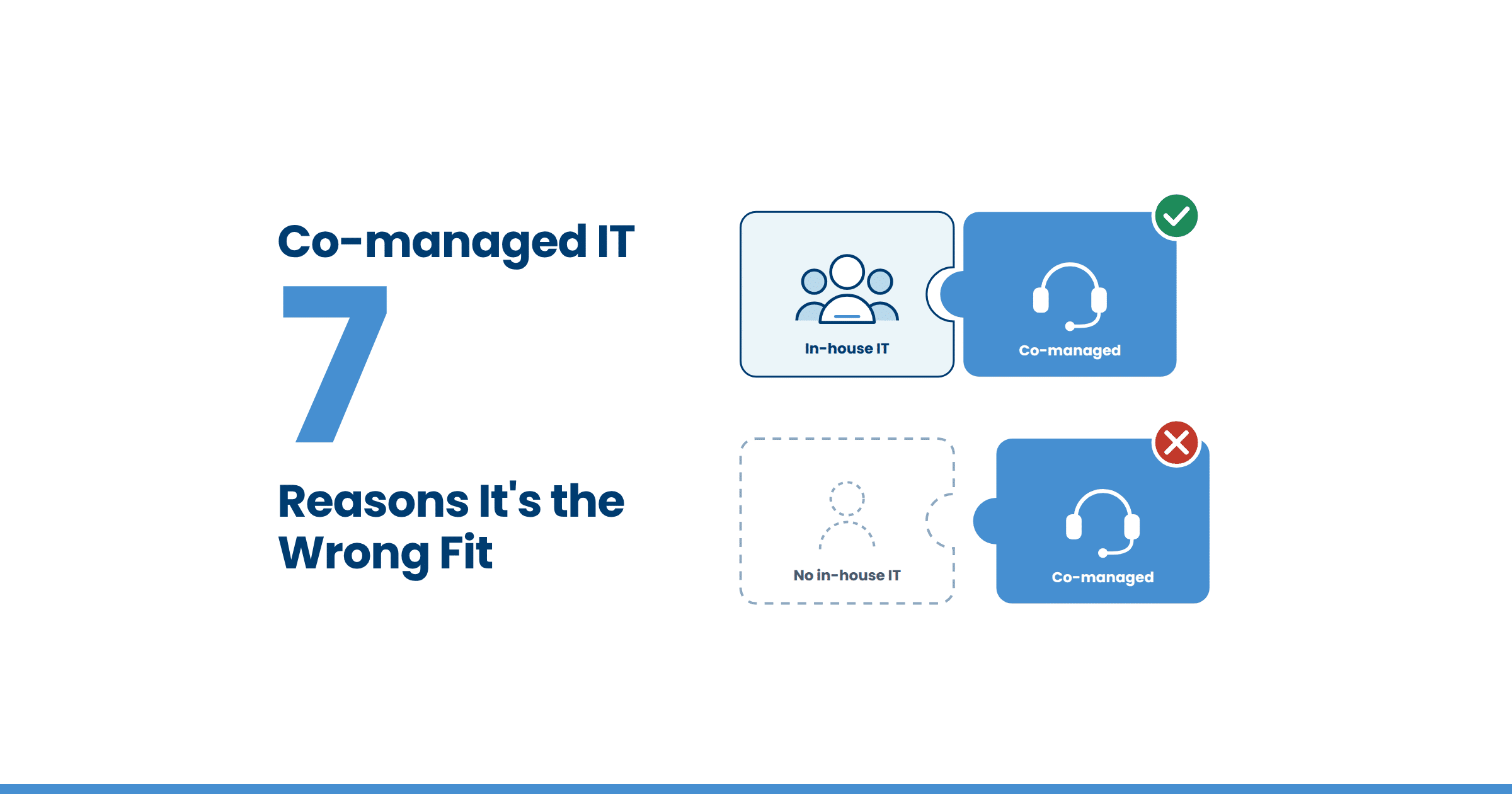
If you’re evaluating whether this service is the right fit, these seven signs are a good starting point.